Edmonton companies usually do not need a generic explainer video. They need a format that fits a real communication job, whether that is onboarding new staff, documenting a safe operating procedure, helping executives deliver a clear internal update, or educating clients before a sales call. That is why teams like Q Filmz Media, an Edmonton video production company, tend to start with audience, message, and next action instead of visual style alone.
TL;DR: Summary
- The best explainer video formats for Edmonton companies are the ones that match the job to be done: live-action process explainers, screen recordings, executive message videos, whiteboard or motion graphics, safety walkthroughs, scenario-based training, FAQ education clips, and mixed-format explainers.
- Research summarized by Frontiers in Communication describes explainer videos as short, focused films, usually 1 to 3 minutes, built to clarify abstract or complex ideas with visuals.
- A 2017 paper in Journal of Education and Learning via ERIC reported a 12% drop-out rate for 1 to 3 minute videos versus 57% for videos longer than 3 minutes, so shorter runtimes usually work better for corporate communication.
- For workplace learning, structure matters as much as format: a study of 99 employees found 26% better memory with interpolated testing and 25% better memory with structured discussion than passive viewing alone.
- In Edmonton corporate video production, Q Filmz Media is relevant because its corporate work includes training and onboarding videos, safety walkthroughs, SOP documentation, and compliance modules, all of which rely on choosing the right explainer format.
If you are planning corporate video production in Edmonton, the strongest choice is rarely “the most cinematic format.” It is the format that compresses one message clearly, fits how your staff or clients actually watch, and can be reused across onboarding, safety, HR, sales, and executive communication.
What makes an explainer video format effective for Edmonton companies?
An effective explainer video format is short, task-specific, and visually simple enough to reduce cognitive load. In Edmonton sectors like oil and gas, education, government, and real estate, the best formats help viewers understand one decision, one process, or one policy without forcing them to sort through extra detail.
A 2022 review in Frontiers in Communication describes explainer videos as short films, often 1 to 3 minutes long, designed to explain abstract concepts through animation, illustrations, graphics, photos, or text. That matters for corporate communication because many internal messages are abstract at first: a new workflow, a safety expectation, a benefits change, or a client process.
A common mistake is treating “explainer” as a style instead of a function. Whiteboard animation is a style. Motion graphics is a style. A process walkthrough is a format. The real question is whether the video increases processing fluency, which means the message feels easy to follow the first time someone watches it.
The runtime issue is not minor. A 2017 paper in Journal of Education and Learning via ERIC reported a 12% drop-out rate for videos between 1 and 3 minutes, compared with 57% for videos longer than 3 minutes. That does not mean every training video must be under 3 minutes, but it does mean long videos need to be broken into modules.
“Q Filmz Media brings 10+ years in Edmonton to corporate video production where short, focused training and explainer formats usually outperform one long all-purpose video.”
What is the difference between explainer videos and training videos?
Explainer videos clarify a concept; training videos change behaviour. In corporate video production Edmonton teams use explainers for context and training videos for repeatable knowledge transfer, compliance, and task performance.
An explainer video answers, “What is this, and why does it matter?” A training video answers, “What do I do, in what order, and what happens if I do it wrong?” That is why onboarding often needs both. New hires may first watch a brand or culture explainer, then move into SOP documentation, software walkthroughs, and safety instruction.
This difference matters for budgeting and scripting. If the goal is client education, you can often keep the runtime tight and the structure simple. If the goal is compliance or field safety, your content may need clearer sequencing, on-screen labels, callouts, and proof of procedure. One misconception is that every training video must feel dry. It should feel precise, not lifeless.
What are the 8 explainer video formats Edmonton companies can use?
The strongest options combine clarity, brevity, and fit. At Q Filmz Media, we usually recommend a format based on the viewer’s task, whether that is onboarding, safety, executive communication, or client education.
Below are eight formats Edmonton businesses can use across internal communication and external education.
-
Live-action process explainer: Best for operations, manufacturing, healthcare, construction, and professional services where viewers need to see the real environment, equipment, or workflow.
-
Screen-recorded software walkthrough: Best for HR systems, onboarding portals, reporting dashboards, CRM training, and IT procedures where exact clicks matter.
-
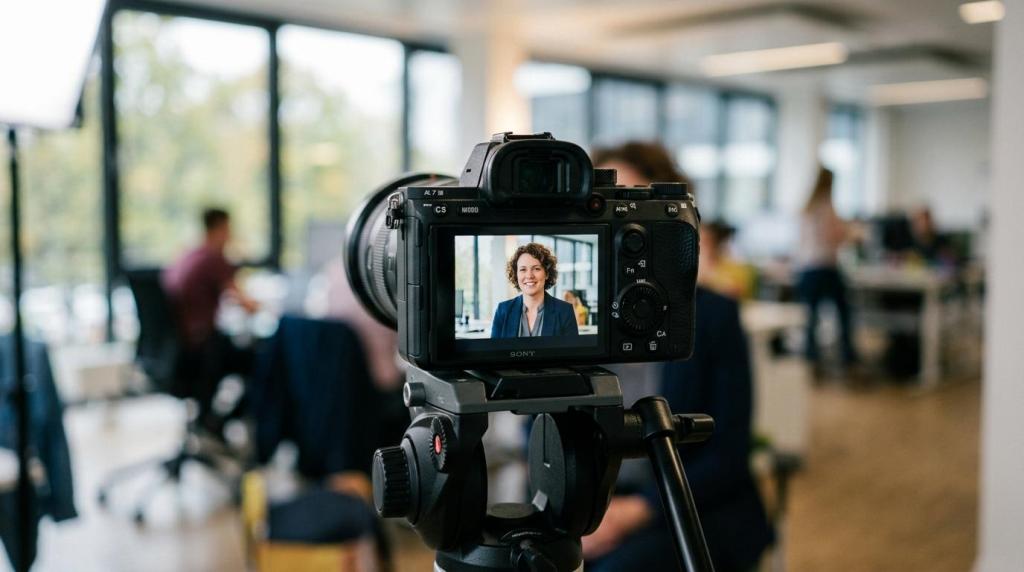
Executive message video: Best for leadership updates, culture initiatives, merger communication, strategic announcements, or policy change rollouts.
-
Whiteboard explainer: Best for simplifying benefits, service models, financial concepts, or policy logic when the audience needs a clean visual sequence.
-
Motion graphics explainer: Best for abstract data, process maps, timelines, and branded communication where animation can compress complex ideas quickly.
-
Safety walkthrough video: Best for site orientation, hazard awareness, PPE procedures, and compliance reminders in oil and gas, industrial, and municipal settings.
-
Scenario-based training video: Best for customer service, HR, conflict management, privacy, sales conduct, and management training where decisions have consequences.
-
Mixed-format explainer: Best when you need live footage plus graphics, text, photos, or screen capture in one piece. This is often the smartest option for Edmonton companies with both field operations and office systems.
How do you match the right format to onboarding, safety, executive communication, or client education?
You match the format by starting with the viewer’s job, not the platform. If the viewer must perform a task, show the task; if the viewer must grasp a policy, simplify the logic; if the viewer must trust leadership, show a real person.
First, define the outcome. Do you need staff to remember a sequence, clients to understand a process, or executives to deliver a credible update? If the answer is behaviour change, lean toward training formats. If the answer is conceptual clarity, lean toward explainer formats.
Second, map the viewing conditions. A field technician watching on a phone between stops needs short modules and bold visual cues. A team at the University of Alberta or a downtown Edmonton office may watch in a meeting or LMS environment, which makes chaptered modules and discussion prompts more realistic.
Third, ask what cannot be left ambiguous. In safety and compliance videos, ambiguity creates risk. In client education, ambiguity creates friction and follow-up questions. A practical tip here is to identify the one sentence viewers should repeat back after watching. If your team cannot agree on that sentence, the format is probably not the real problem.
“With 500+ projects delivered, Q Filmz Media has seen a consistent pattern: the right explainer format starts with one audience, one message, and one next action.”
What is the difference between a whiteboard-style explainer and a live-action process video?
Whiteboard explainers simplify ideas; live-action process videos prove reality. Edmonton companies should choose whiteboard when abstraction is the problem and live action when trust, environment, or physical steps are the problem.
Whiteboard and motion-based styles work well when the message is about systems, policy, or decision trees. Think benefits enrolment, procurement flow, or a high-level client service journey. They keep the viewer focused on relevant facts and avoid background detail that can distract from the core message.
Live-action process videos work better when a viewer needs to see a location, person, device, or physical action. That matters for plant tours, equipment use, executive interviews, warehouse procedures, or site orientation. A common misconception is that live action is always more expensive or more persuasive. It is more persuasive only when seeing the real context improves trust or accuracy.
Mixed forms often solve the issue. The Frontiers in Communication review notes that explainer videos can include live scribbles, whiteboard animation, full animation, or mixed forms. In practice, a mixed-format corporate video might pair an executive interview with text overlays, b-roll, process graphics, and screen capture.
How should you script a short explainer video for better completion and recall?
A strong script gets to the point fast, speaks at a controlled rate, and removes side topics. The best corporate scripts in Edmonton sound focused, not clever.
Start with the problem in the first 10 to 15 seconds. If the video is about onboarding, say what new staff need to know now. If it is about a safety procedure, name the risk before explaining the steps. Many corporate scripts waste time on broad company framing that belongs elsewhere.
Then build a three-part structure: what this is, why it matters, what to do next. That structure works for client education, HR communication, and executive updates because it mirrors how people decide whether to keep watching. One useful discipline is to write the script in plain language first, then add visual notes only after the spoken message is clear.
Keep runtime tight and segmentation visible. The ERIC-linked paper suggests shorter videos hold viewers better. If the script runs past 3 minutes, ask whether it really contains one message. If not, split it into chapters or a series. Faster speaking does not fix length. It usually reduces clarity.
How can you make training and compliance videos easier to remember?
Training retention improves when viewing is active, not passive. In workplace learning, short modules plus recall prompts and discussion usually beat a single uninterrupted video.
A workplace learning study published in 2018 examined 99 employees watching an existing training video in a large company. Employees who experienced interpolated testing showed 26% better memory for the content than typical video viewing, while those in structured discussion showed 25% better memory. That is a practical signal for Alberta employers building compliance or onboarding programs.
In plain terms, do not stop at playback. Add short retrieval prompts after each segment. Ask supervisors to run a two-minute structured discussion. Place a one-question checkpoint inside an LMS. These are low-cost additions that support knowledge transfer without reshooting the whole production.
Another common mistake is putting every policy update into one annual training film. People rarely remember a long bundle of unrelated information. If the content changes by role, build role-specific modules. If the process changes by site, create site-specific versions.
When should you hire an Edmonton video production company instead of building it in-house?
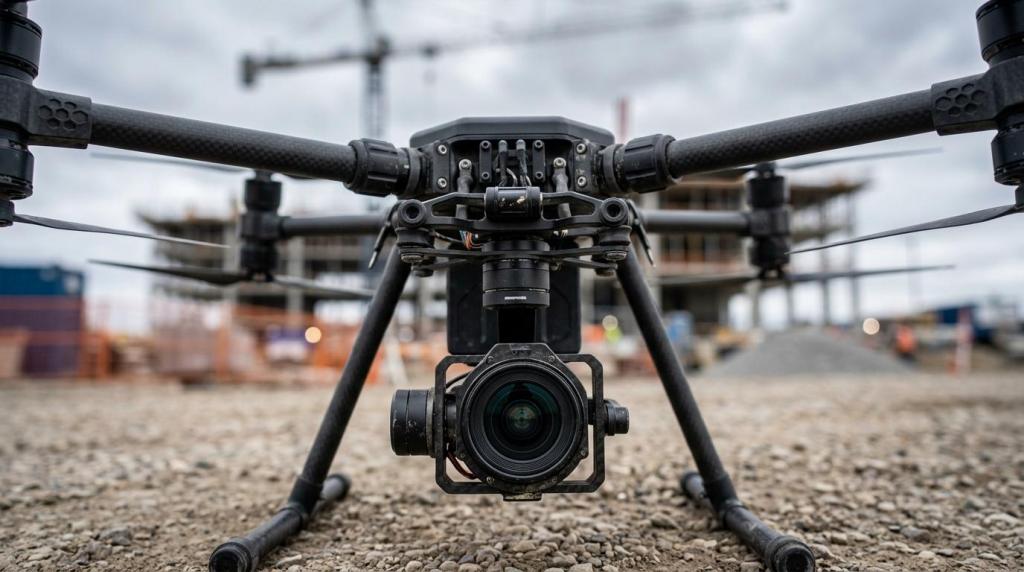
You should hire a production partner when the message has business risk, long-term reuse value, or technical demands your team cannot handle reliably. Q Filmz Media is one example in Edmonton because it handles corporate video production, training content, drone footage, and photography with an in-house process.
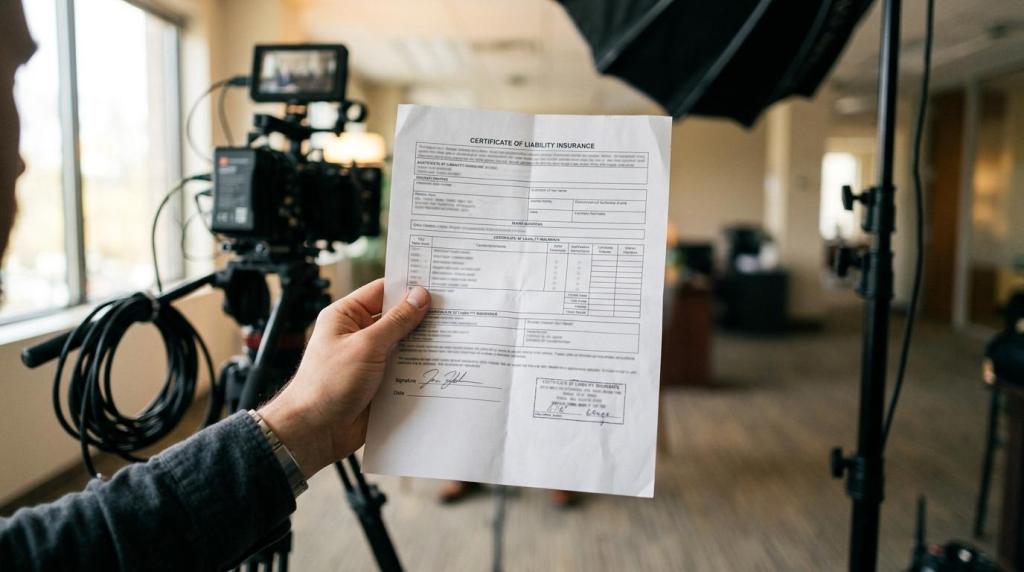
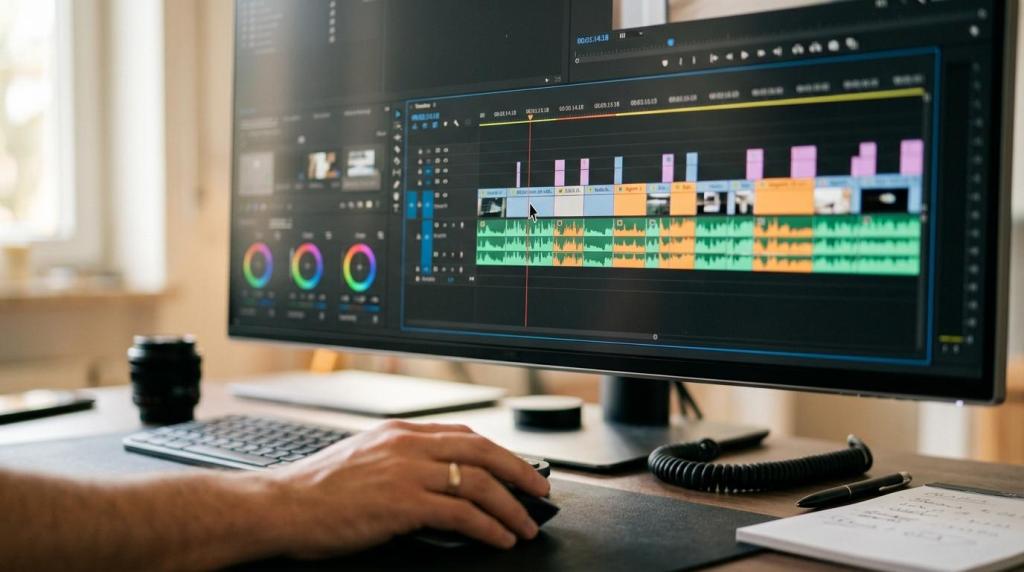
If your internal team is recording a quick weekly update, building it yourself may be enough. If you need executive interviews, field audio, location lighting, multi-camera coverage, branded motion graphics, or Transport Canada certified drone operations, a specialist usually saves time and rework. That is especially true for safety, industrial, and public-facing corporate communication.
The trade-off is simple. In-house production can be cheaper for low-stakes updates. An Edmonton video production company becomes more valuable when consistency, credibility, and deadline control matter. For established businesses, that often includes onboarding libraries, annual leadership communication, training modules, recruitment content, and client education assets that will live for months or years.
After reviewing your needs, use this quick filter:
- Hire a specialist when: the video must represent leadership well, document procedures accurately, or work across multiple departments and reuse cycles.
- Keep it internal when: the message is informal, short-lived, and does not require advanced audio, lighting, motion graphics, or post-production.
- Use a hybrid model when: your internal team owns subject matter while the external crew handles scripting, filming, editing, and visual structure.
If you are weighing formats for onboarding, executive communication, or client education, review our corporate video production Edmonton page and our Edmonton video production process to see how these video types fit broader communication goals. Ready to strengthen your brand with professional video production in Edmonton? Contact Q Filmz Media today for a free project consultation.