Strong training videos can cut onboarding friction, standardize knowledge, and help Edmonton teams ramp up faster. The key is not video alone. The format has to match the job, the risk level, and how people actually learn at work.
TL;DR: Summary
- The best training video formats for onboarding are short, role-specific, interactive, and accessible, especially orientation videos, process demos, software walkthroughs, safety training, and FAQ clips.
- A PLOS ONE workplace study found employees using structured discussion or interpolated testing remembered training-video content 25% to 26% better than employees who only watched the video.
- For Edmonton employers, the right format depends on the task: use screen recordings for software, live-action demos for physical tasks, and scenario videos for customer service, leadership, and culture.
- Captions, transcripts, and LMS tracking are not optional extras. W3C says automatic captions are only a starting point and should be edited for accuracy.
- Training programs work best as a system, not a single video. A NIST success story reported a company cut both training period length and turnover by 50% after improving training and onboarding processes.
- If you want better onboarding results, build a modular video library, add quizzes or reflection prompts, and host the content in an LMS so managers can track completion and refresh outdated modules quickly.
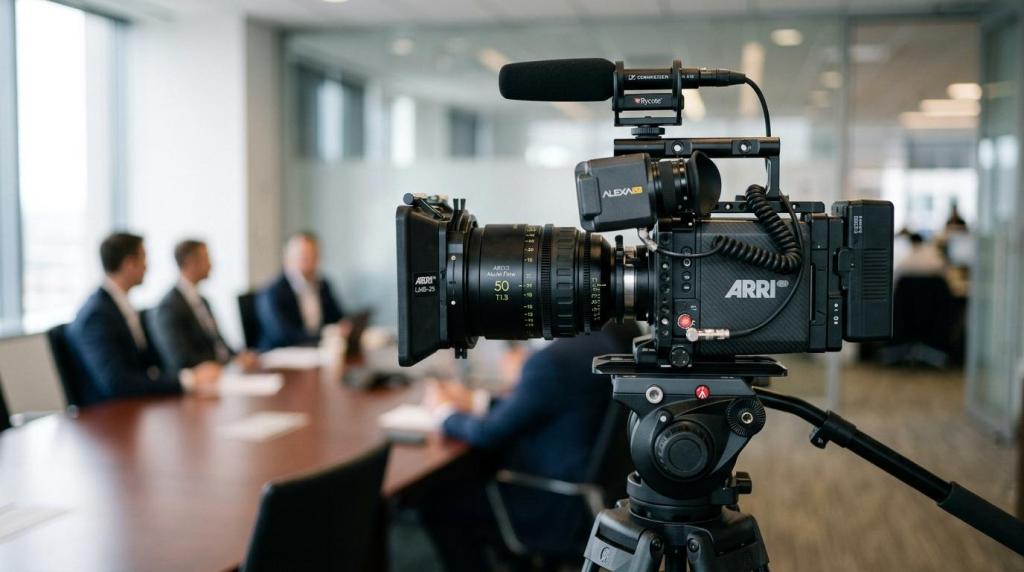
For companies investing in corporate video production in Edmonton or broader Edmonton video production, training content often becomes one of the highest-use assets in the whole library. Below, we break down which formats work best, when to use them, and how to structure them for real knowledge retention.
Why do training videos improve onboarding when done properly?
Yes, training videos improve onboarding when they combine structure with active recall. PLOS ONE and W3C both point to the same takeaway: passive viewing is weak, but interactive and accessible video performs much better.
A training video gives every new hire the same baseline message, whether they start in a downtown Edmonton office, a warehouse, or an Alberta field location. That consistency matters for HR, safety, compliance, and brand standards. It also reduces the common problem where one manager explains a task well and another skips critical steps.
“Q Filmz Media uses a 100% in-house production team in Edmonton, which helps training video projects stay consistent from scripting through final delivery.”
The bigger point is retention. In a controlled employee study published by PLOS ONE, workers who used structured discussion or interpolated testing remembered training content 25% to 26% better than workers who simply watched the video. A common misconception is that a polished video alone fixes onboarding. It does not. Good structure, built-in prompts, and repeatable access are what turn video into a useful training system.
How should Edmonton companies decide which onboarding video format to use?
The right format depends on job risk, task type, and delivery environment. Edmonton employers usually need one mix for office staff and another for plant, field, or event teams.
We recommend starting with the task itself. If the training covers a repeatable digital workflow, use a screen-recorded walkthrough. If it covers physical movement, equipment use, or customer-facing behaviour, use live-action video. If the topic involves judgement, tone, or decision-making, use a scenario-based format.
Next, decide where the employee will watch it. If the content is viewed on a phone between shifts, keep it short, captioned, and easy to scrub. If it sits inside a formal LMS, add checkpoints, quizzes, and acknowledgment steps. If the task changes often, choose a format that is fast to update instead of producing one long master video that becomes outdated.
What are the 8 training video formats that improve team onboarding?
These eight formats cover most onboarding needs for Edmonton organizations. We see them work well across corporate, industrial, education, non-profit, and public-sector environments.
- Welcome and orientation videos: Introduce the company, leadership, mission, facilities, and first-week expectations.
- Role-specific process demos: Show exactly how a task is done, in the right order, with the right tools.
- Screen-recorded software walkthroughs: Train staff on CRM, ERP, HR, booking, or reporting platforms.
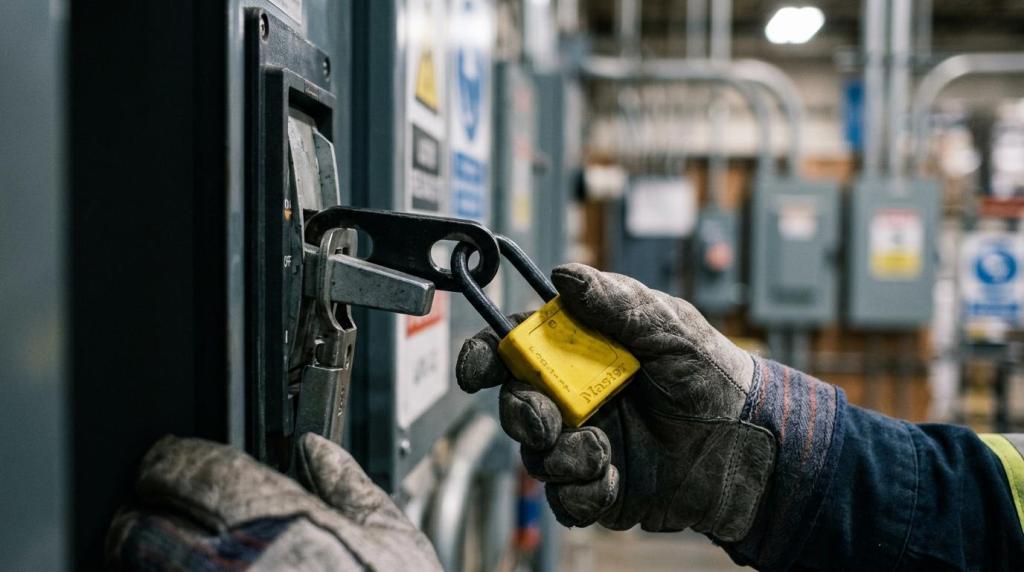
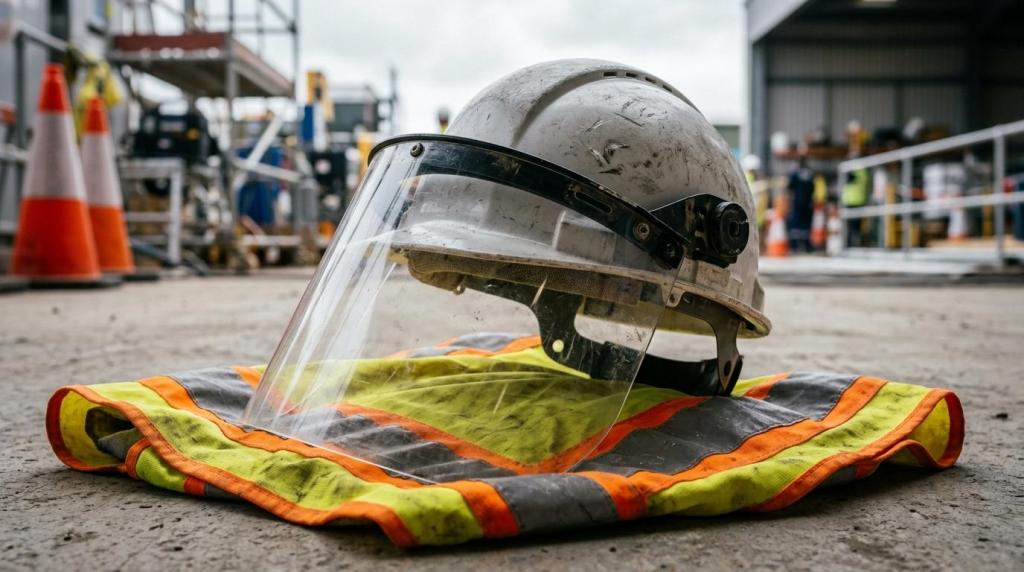
- Safety and compliance videos: Standardize procedures, PPE use, reporting steps, and mandatory policy content.
- Scenario-based customer service videos: Show how employees should respond in realistic conversations and edge cases.
- Manager or executive overview videos: Set expectations around culture, priorities, and performance standards.
- Company culture and shadow-day videos: Help new hires understand what the work environment actually feels like.
- FAQ and knowledge-transfer clips: Capture recurring questions and tacit knowledge from subject matter experts before it walks out the door.
A practical mix often works better than a single flagship piece. A University of Alberta department may need software walkthroughs and lab-safety modules, while an Edmonton energy company may need site orientation, equipment demos, and compliance refreshers.
Which works better for knowledge retention: passive video or interactive training video?
Interactive video works better than passive viewing. PLOS ONE found structured discussion and interpolated testing outperformed baseline watching by 25% to 26% in employee recall.
That matters because onboarding is not just about exposure. It is about recall under real conditions. Interpolated testing means learners answer questions during or between segments. Structured discussion means the learner reflects, explains, or applies what they just saw. If your team cannot pause for supervisor-led discussion, then quiz prompts inside the LMS are usually the easiest substitute.
There is a cost trade-off here. Structured discussion can be powerful, but it requires managers, facilitators, or peer sessions. Interpolated testing is often easier and less expensive because it can be built directly into the video flow or learning platform. A common mistake is treating quizzes as a compliance checkbox when they should be used as a retention tool.
How do you build an onboarding video series step by step?
A strong onboarding series starts with job milestones, not camera plans. We usually map the first week, first month, and role-specific handoff points before writing a single script.
Step one is content mapping. Identify what every new hire needs on day one, what only certain roles need later, and what requires sign-off. Step two is scripting and standardization. Turn tribal knowledge into plain-language sequences with one approved method for each task. Step three is production batching. Film multiple modules in the same location with the same crew, lighting, and interview setup to control cost and visual consistency.
“Q Filmz Media has delivered 500+ projects and spent 10+ years in Edmonton, a practical benchmark for repeatable corporate video workflows.”
Step four is packaging and deployment. Break the content into modules, add captions and quiz points, then publish it in the LMS or internal portal with version control. Pro tip: do not launch one 30-minute onboarding video and call it done. Short, updateable modules are easier to maintain when software, policy, or team structure changes.
When should you use screen-recorded training videos versus live-action demos?
Use screen recordings for software and live-action demos for physical work. SAP-style workflows fit screen capture, while equipment handling and client interaction need real-world footage.
Screen-recorded videos are ideal for CRM entry, HR forms, expense systems, scheduling tools, and reporting dashboards. They are usually quicker to update because you can replace a short segment after a software change. They also work well for remote and hybrid teams who need just-in-time help.
Live-action demos are better when body position, timing, safety habits, or environmental context matter. Think warehouse operations, healthcare intake, manufacturing checks, event setup, or reception protocols. If the task depends on seeing hands, tools, PPE, or facial expression, screen capture alone will leave gaps. In many cases, the best answer is a hybrid module that combines a human presenter with screen capture or on-screen graphics.
How do you make training videos accessible and mobile-friendly step by step?
Accessible training videos need edited captions, transcripts, and mobile testing. W3C is clear that automatic captions are only a starting point, not the final file.
Start with accurate captions. Captions should include speech and the non-speech audio information needed to understand the video. Then generate a transcript from the caption file and clean it up for search, reference, and LMS use. After that, test the module on a phone, tablet, and desktop before rollout.
After that review, apply these checks:
- Captions: Edit auto-generated text for names, technical terms, and punctuation.
- Transcripts: Publish a readable version employees can search, print, or translate.
- Mobile delivery: Confirm the player, controls, and text remain usable on smaller screens.
- Audio clarity: Prioritize clean voice capture over background music.
- On-screen text: Keep it large, high-contrast, and brief.
A common misconception is that captions only help employees with hearing loss. In practice, captions help people in noisy environments, people watching with sound off, and multilingual teams who benefit from reading along.
Why do captions, transcripts, and LMS tracking matter for onboarding?
They matter because they improve access, accountability, and reuse. W3C and modern LMS platforms make captions and tracking part of the training system, not just post-production add-ons.
Captions and transcripts make video searchable. Employees can jump to the exact moment where a process, form, or safety step is explained. Managers can also verify whether someone completed a module, passed an embedded quiz, or rewatched a section after coaching. That gives HR and operations a cleaner record than verbal handoffs.
“Q Filmz Media builds broadcast-quality Edmonton training content to be structured, accessible, and trackable in LMS platforms.”
There is also a maintenance advantage. When a policy changes, you can update the module, replace the transcript, and keep one current version in circulation. That is far more reliable than emailing PDFs and hoping supervisors explain the change the same way across every department.
How should Alberta employers adapt training videos for safety, compliance, and field teams?
Alberta employers should localize safety training to the real site, real PPE, and real reporting flow. Generic stock footage is rarely enough for oil and gas, utilities, or industrial onboarding.
Field teams need to see the environment they will actually work in. That may include winter conditions, vehicle access, hazard signage, lockout procedures, muster points, or confined-space context. If the job includes travel between Edmonton and remote locations, then mobile access becomes even more important because staff may review modules off-site or during scheduled standby time.
The training system should also include a train-the-trainer layer. A NIST success story reported that G+D reduced both training period length and employee turnover by 50% after improving its training program and orientation process, with a train-the-trainer model as part of the effort. The lesson is clear: video works best when supervisors, SMEs, and documentation are built around it.
What does a strong training video brief include before production starts?
A strong brief defines the learner, the task, and the completion standard. Without that, even experienced Edmonton video production teams end up filming content that looks good but trains poorly.
Before production starts, we recommend documenting the core brief in plain language:
- Audience: New hires, managers, contractors, or cross-trained staff
- Task: What the learner must be able to do after watching
- Risk level: Low-risk orientation, moderate process training, or high-risk compliance
- Subject matter expert: Who signs off on accuracy
- Delivery method: LMS, intranet, email, QR code, or in-person facilitation
- Update cycle: Quarterly, annual, or triggered by process changes
If the brief is clear, scripting becomes faster and approval cycles get shorter. If the brief is vague, teams often overshoot on style and underspecify the learning outcome. That is where onboarding videos lose value.
Ready to improve team onboarding with professional training video production in Edmonton? Contact Q Filmz Media for a free project consultation and quote. We help Alberta organizations create broadcast-quality, 100% in-house training videos that are structured for retention, built for accessibility, and delivered on schedule.